
Linked Datapack & Resource Pack
Never juggle twin folders again. Add a custom weapon model or sound effect to your resource pack and your datapack functions immediately reference it with full autocomplete.

Your packs are safe. Thanks for building with CloudPack — see you next session, builder!

 THE ALL-IN-ONE IDE FOR MINECRAFT PACKS
A node-graph editor, a Monaco code editor with Spyglass, generators, an item maker, a built-in pixel texture painter and Weld-style pack merging. Architect production-ready Minecraft Java datapacks and resource packs right in your browser — for every release and snapshot.
Try Me needs no account — but exporting, downloads, publishing and account sync are for signed-in builders. Sign in free to unlock everything.

Everything below is CloudPack Studio as it runs in your browser today — switch between code, forms and blocks, and let the generators do the repetitive work.
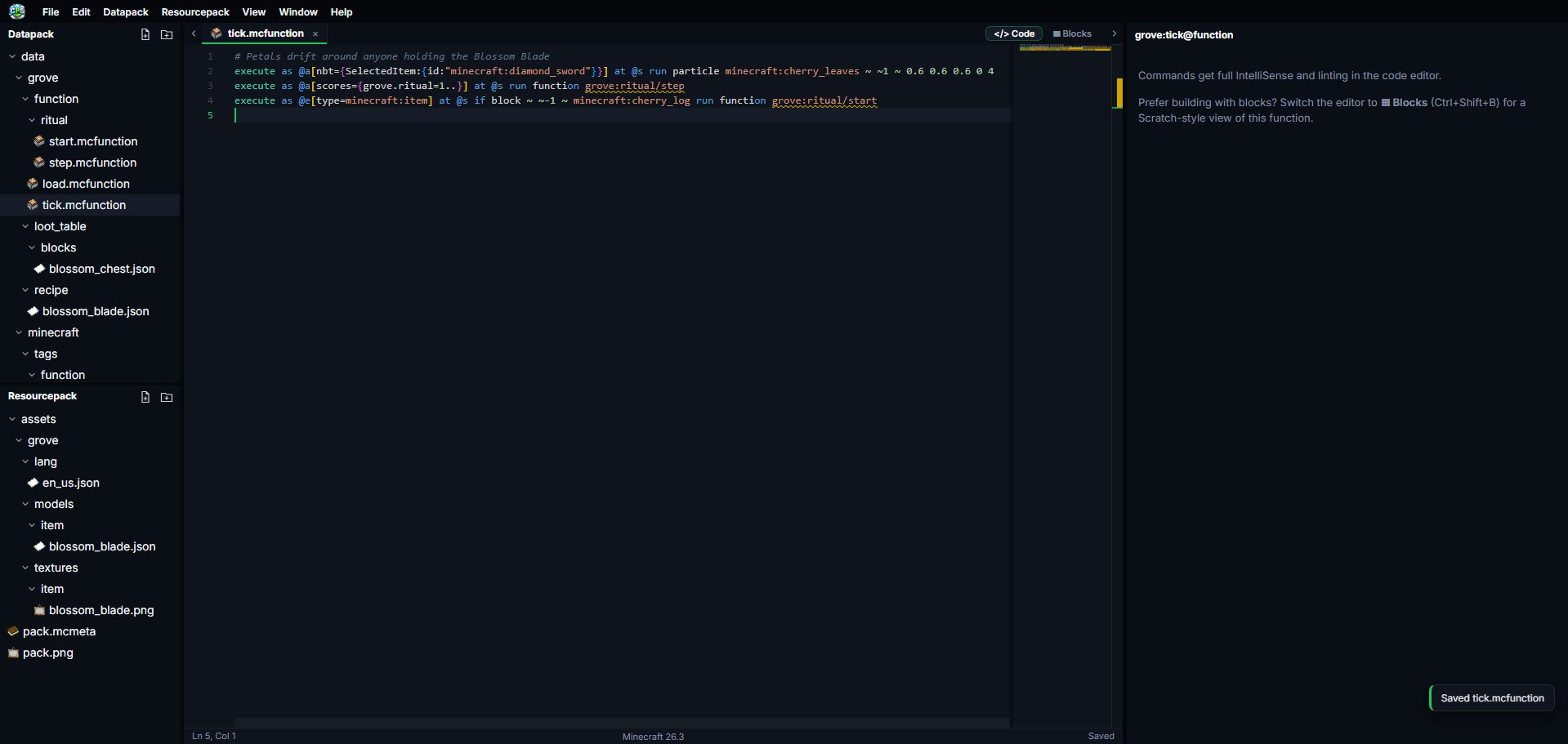
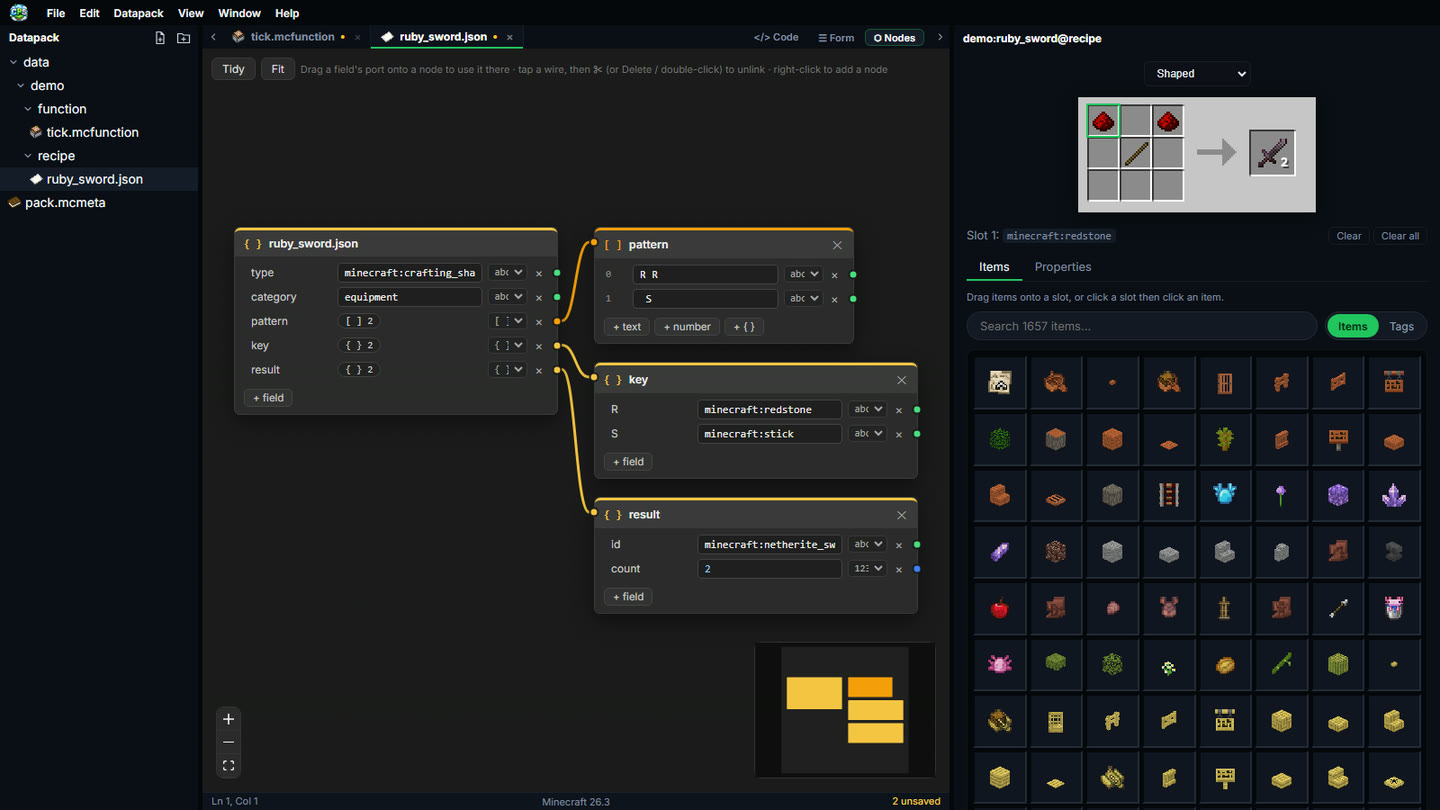
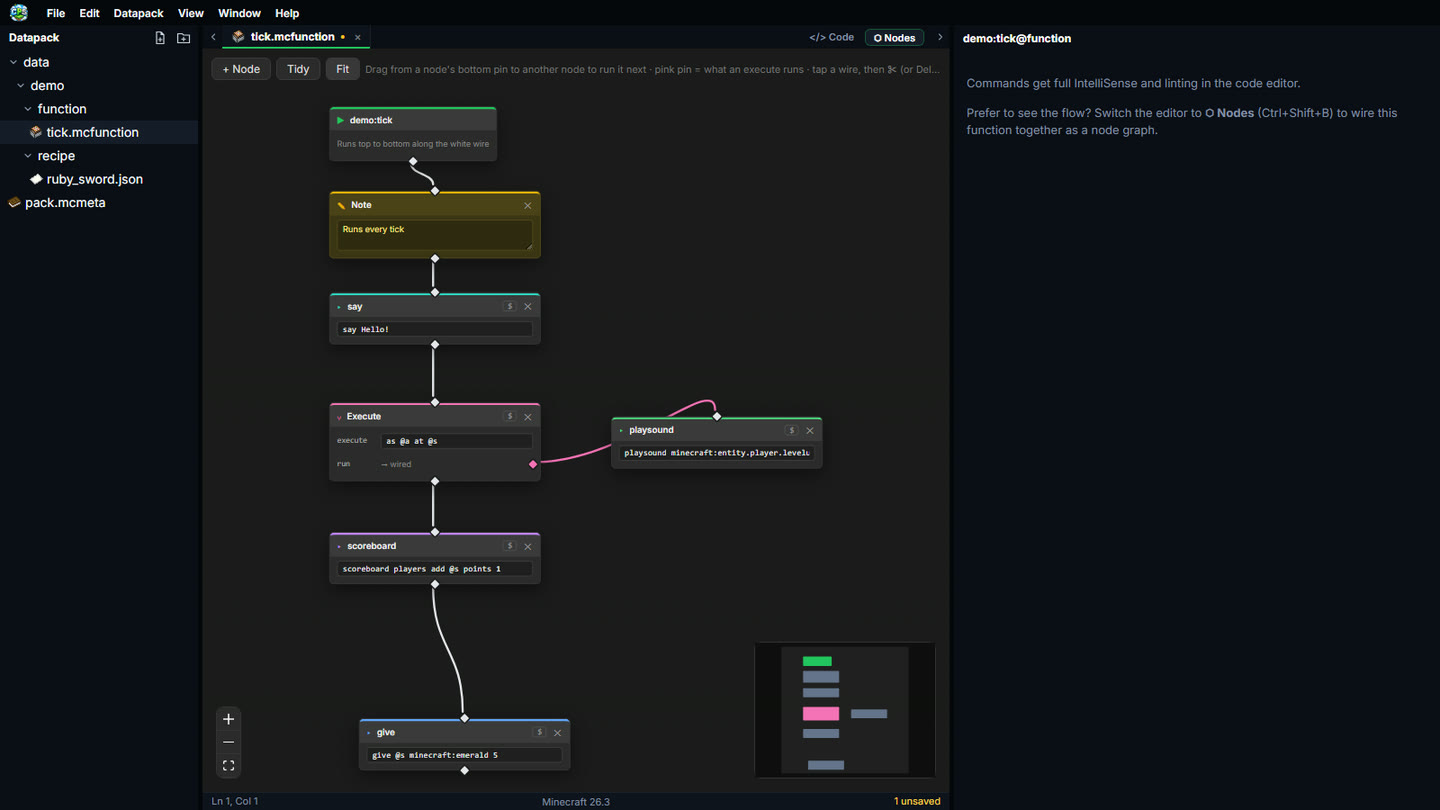
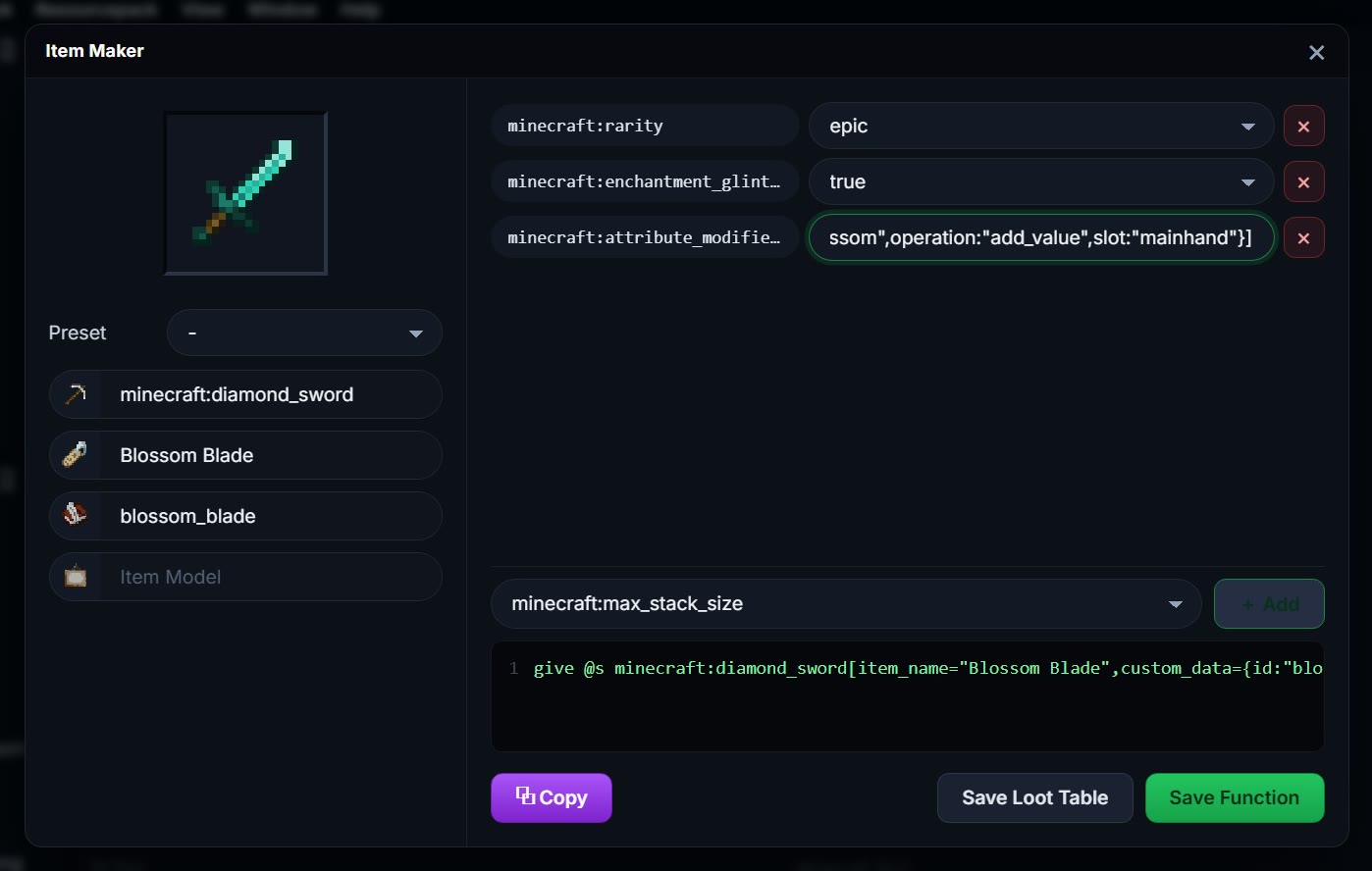
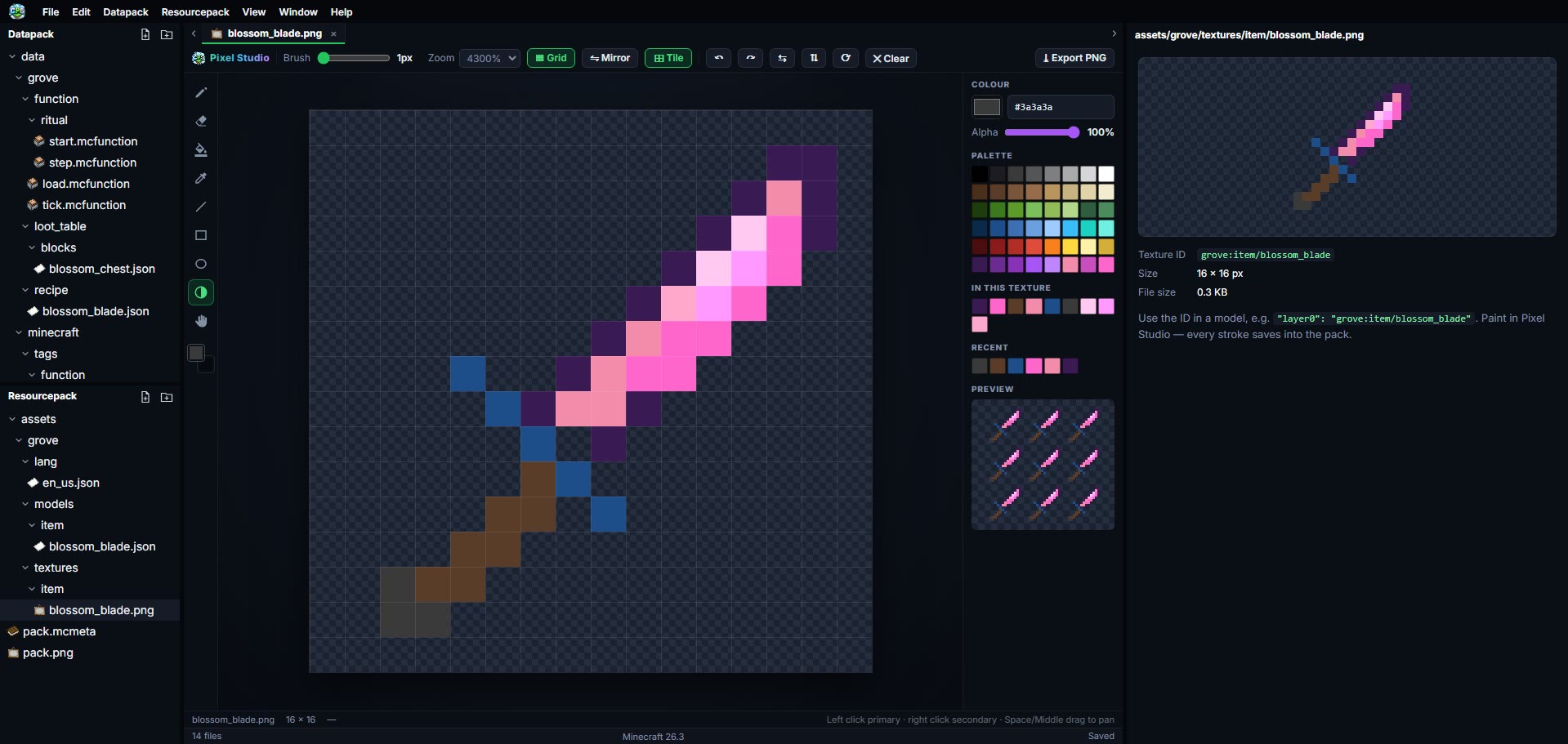
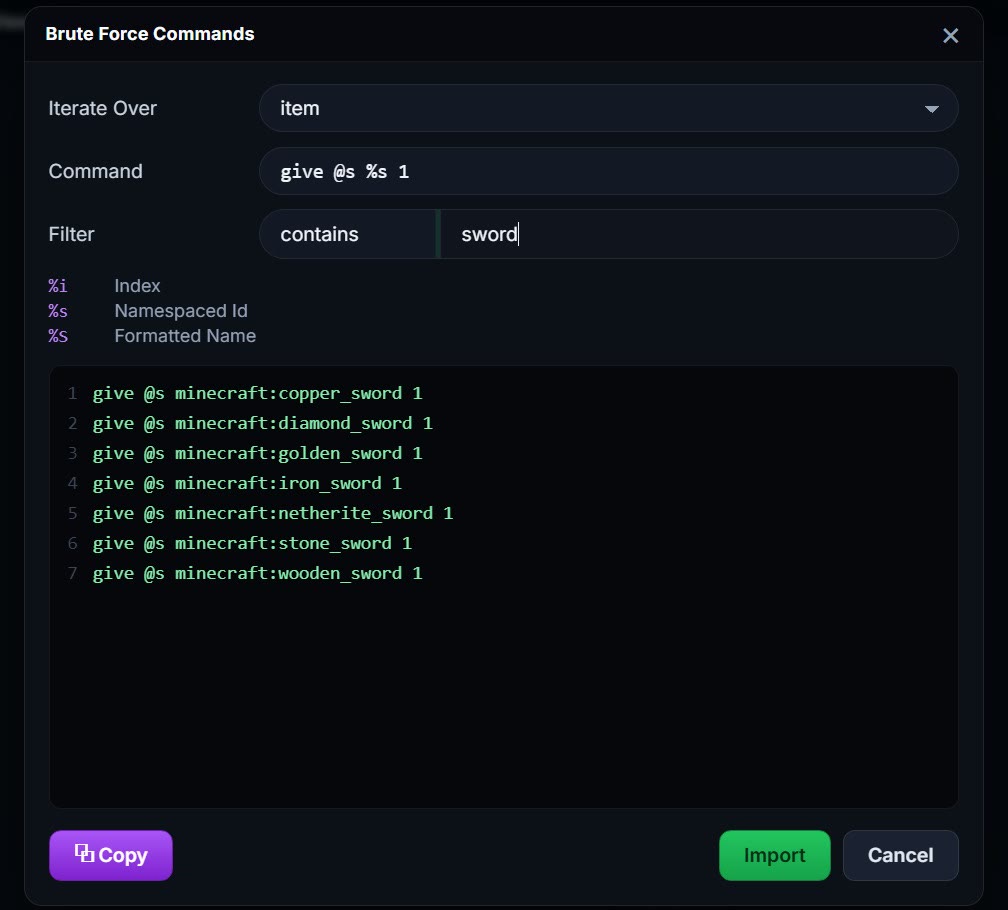
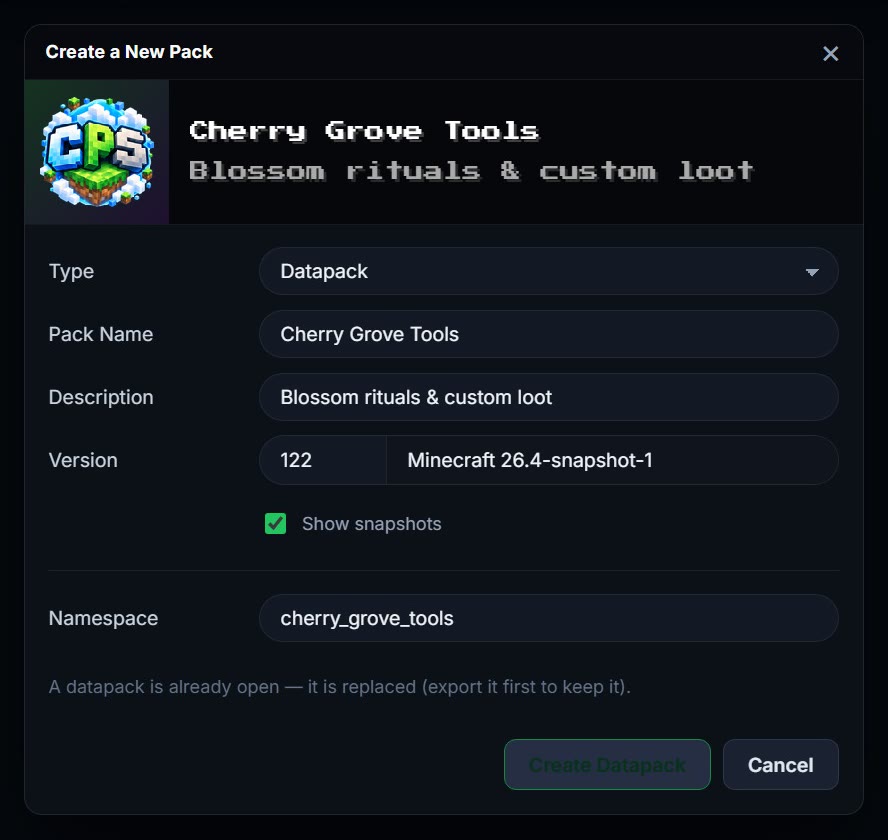
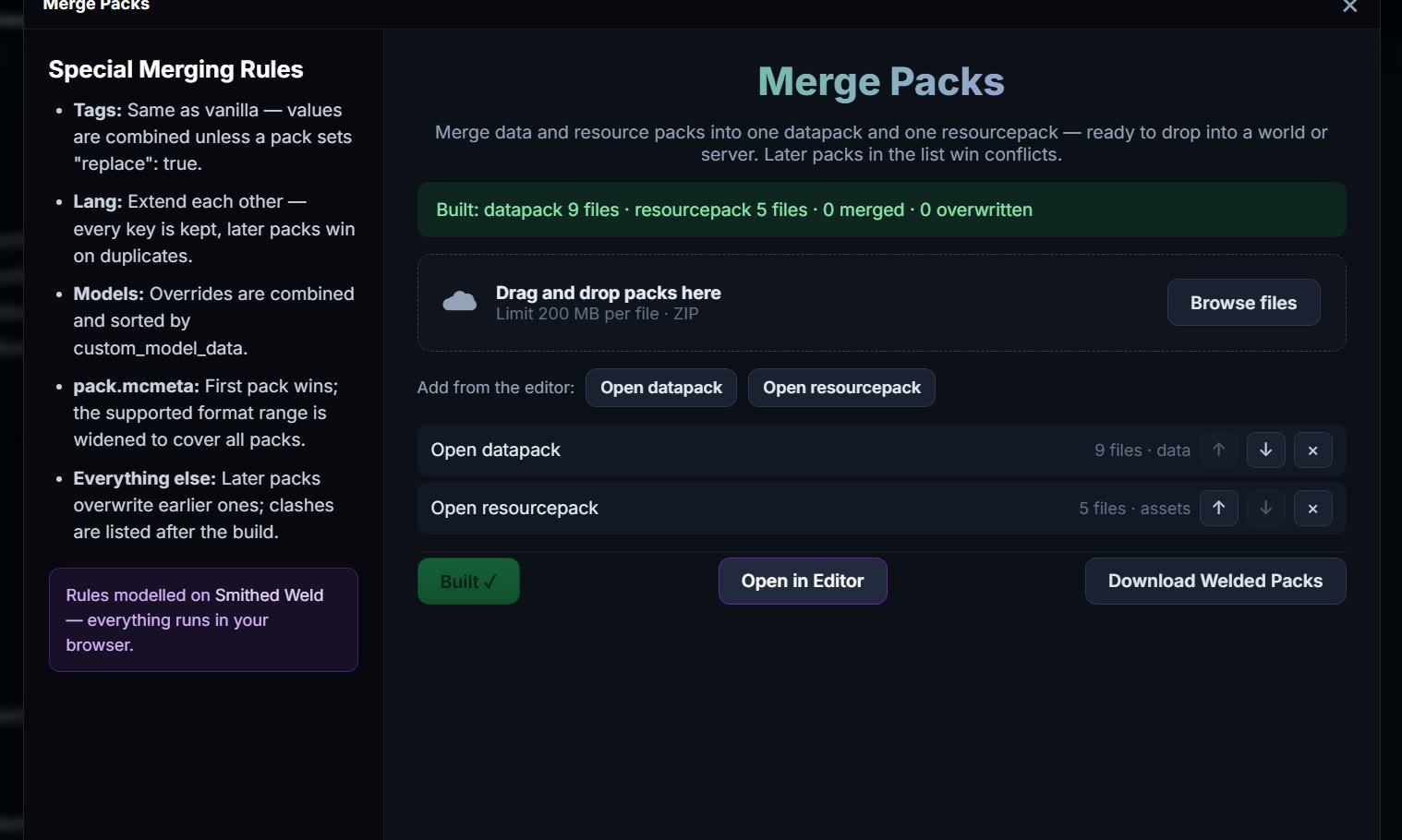
The editor engine from VS Code with Minecraft language intelligence from Spyglass: completions, hover docs and red squiggles for commands and JSON before you ever load the world.
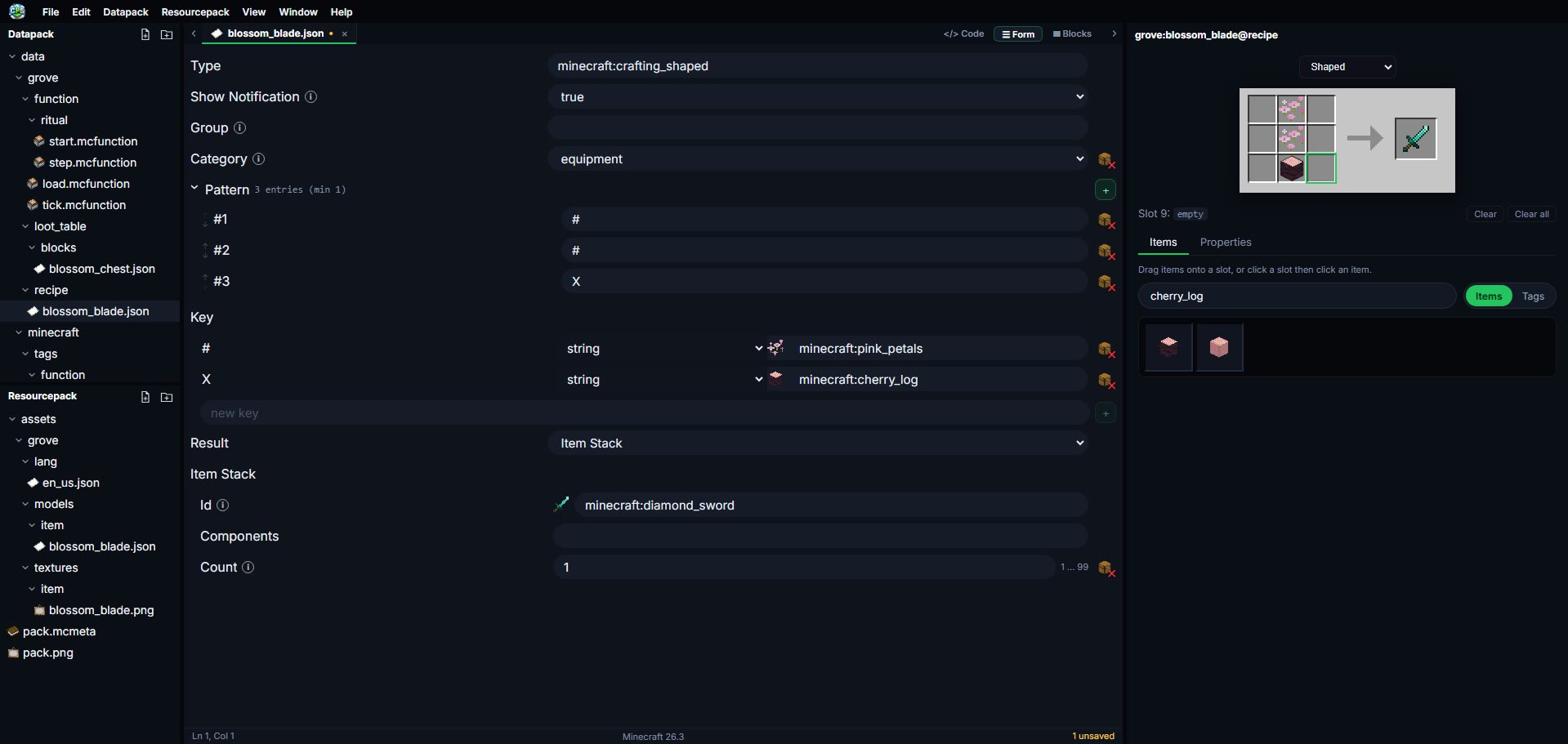
Click between recipes below to see the authentic Minecraft 3x3 crafting grid assemble in real time with official 26.3 textures and schema-validated JSON.


{
  "type": "minecraft:crafting_shaped",
  "category": "equipment",
  "key": {
    "#": { "item": "minecraft:stick" },
    "X": { "item": "minecraft:diamond" },
    "S": { "item": "minecraft:nether_star" }
  },
  "pattern": [
    "SXX",
    " # ",
    " # "
  ],
  "result": {
    "count": 1,
    "id": "cloudpack:nether_scythe",
    "components": {
      "minecraft:custom_name": '{"text":"Nether Scythe","color":"#c084fc"}',
      "minecraft:attribute_modifiers": [
        {
          "type": "minecraft:attack_damage",
          "amount": 12.0,
          "operation": "add_value",
          "slot": "mainhand"
        }
      ]
    }
  }
}Designed to remove all the tedious boilerplate of Minecraft pack development so you can focus on pure gameplay innovation.
Name your pack, pick any release or snapshot and CloudPack fills in the namespace, the pack format and a valid pack.mcmeta with load and tick functions wired up.
Assemble game mechanics in the node graph, schema forms or raw Monaco code, with live recipe grids, generators and instant Spyglass validation.
Export a .zip for your world or server, merge several packs into one, or publish straight to Modrinth or GitHub.
Engineered specifically for creators who care about speed, accuracy, and clean code.
Never juggle twin folders again. Add a custom weapon model or sound effect to your resource pack and your datapack functions immediately reference it with full autocomplete.
Target Minecraft Java 26.3, older releases or the latest snapshot — pick any version when you create a pack. Syntax definitions, item tags, blockstates, and entity IDs always match your chosen pack format.

Full Minecraft language intelligence powered by Spyglass MC. Enjoy real-time red squiggly error detection, tag resolution, macro checking, and jump-to-definition.
Switch between a node graph you wire together and the high-powered Monaco code editor at will. Perfect for teaching, prototyping, and hardcore optimization.
Full support for the modern Minecraft 26.3 component format. Edit food mechanics, armor trims, weapon attribute modifiers, and JSON text formats with visual form controls.
No Java installation, Python runtimes, or command-line scripts required. Everything compiles inside your browser with high-speed WebAssembly and local storage.
Got questions about CloudPack, compatibility, or deployment? We've got answers.
Not at all. CloudPack runs 100% in your browser. The Monaco code editor, the node editor, item renderer, pack merger and zip packaging all run client-side.
CloudPack ships the Minecraft Java 26.3 vanilla assets and loads game data for any release from 1.20 on (Help ▸ Manage Archives). New packs can target any release or snapshot, and pack.mcmeta is written in the right format for that version.
CloudPack integrates the Spyglass MC language server directly in the browser. It parses command tokens in real time, validating target selectors, block tags, item components, and coordinate syntax while highlighting errors with red squigglies before you test in Minecraft.
Yes! With a single click on "Export Pack", CloudPack compiles valid, production-ready .zip archives with canonical directory structures and pack.mcmeta headers. Drop the zip into your .minecraft/saves/<world>/datapacks folder or server directory and run /reload.
Completely private. All pack data is stored locally in your browser’s IndexedDB. No assets or scripts leave your machine unless you choose to authenticate and sync to your private cloud workspace.
Minecraft isn't just a game — it's a living canvas. Scaffold datapacks, sculpt custom loot, tune recipes, and bring your grandest ideas to life without leaving the browser.
Try Me needs no account: build anything, then sign in free to export, download, publish and keep your editor theme.